Physical Address
304 North Cardinal St.
Dorchester Center, MA 02124
Physical Address
304 North Cardinal St.
Dorchester Center, MA 02124

![[HERO] The 2026 Executive Tech Stack: Tools to Eliminate Administrative Busywork](https://www.getmobina.com/wp-content/uploads/2026/02/blog.png)
Executives lose 11 hours weekly to email alone. Add calendar management, meeting prep, task tracking, and research: you're looking at 20+ hours monthly that produce zero strategic value.
The solution isn't working faster. It's building a tech stack that eliminates the work entirely.
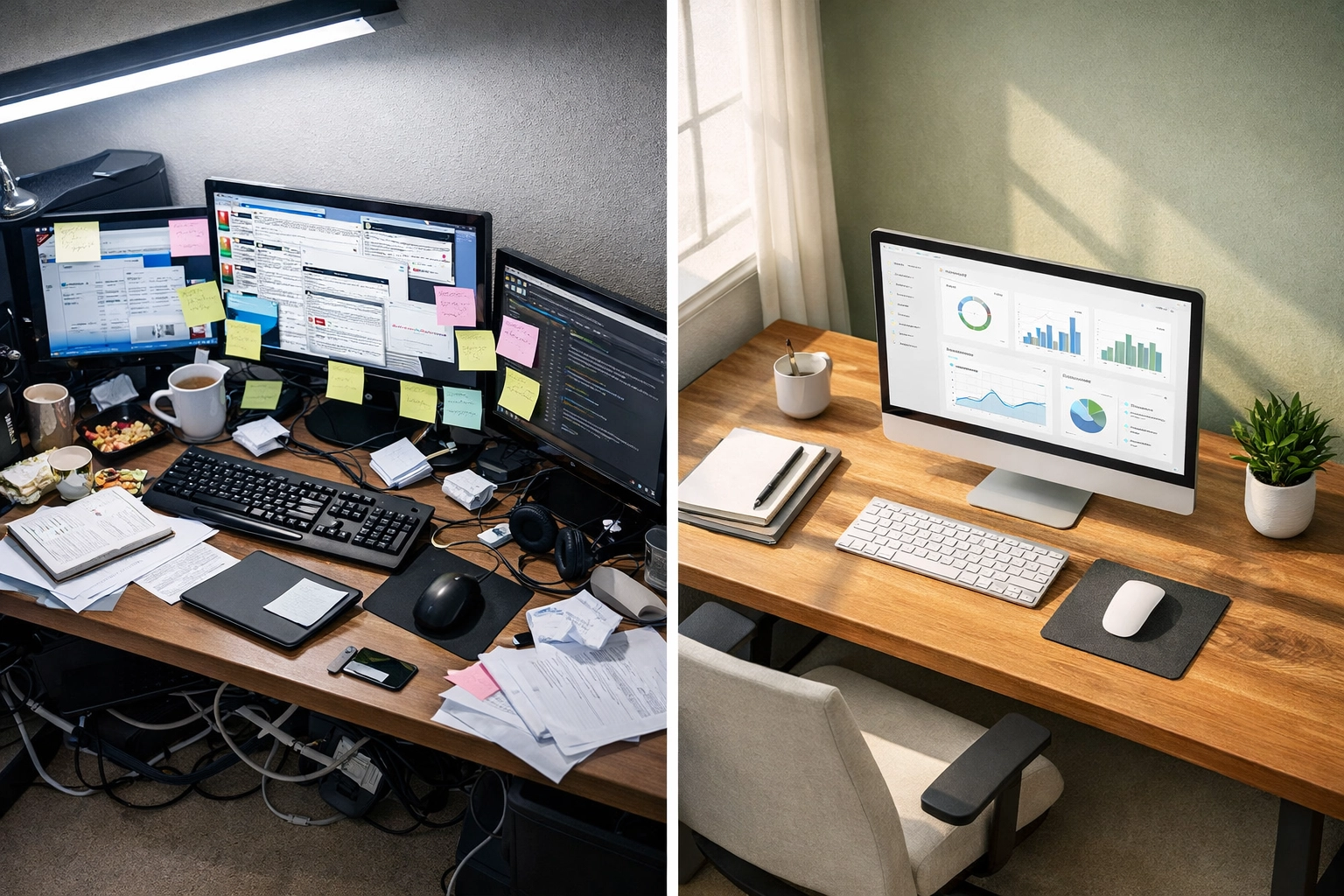
The average leader uses 6-8 productivity tools. Most don't talk to each other. You're copying meeting notes from one platform, manually updating tasks in another, and still switching between four browser tabs to schedule a single call.
That's not a tech stack. That's digital chaos with a subscription fee.
The 2026 executive toolkit looks different. It's built around integration, automation, and intelligence: tools that work together to eliminate manual busywork before it reaches your calendar.
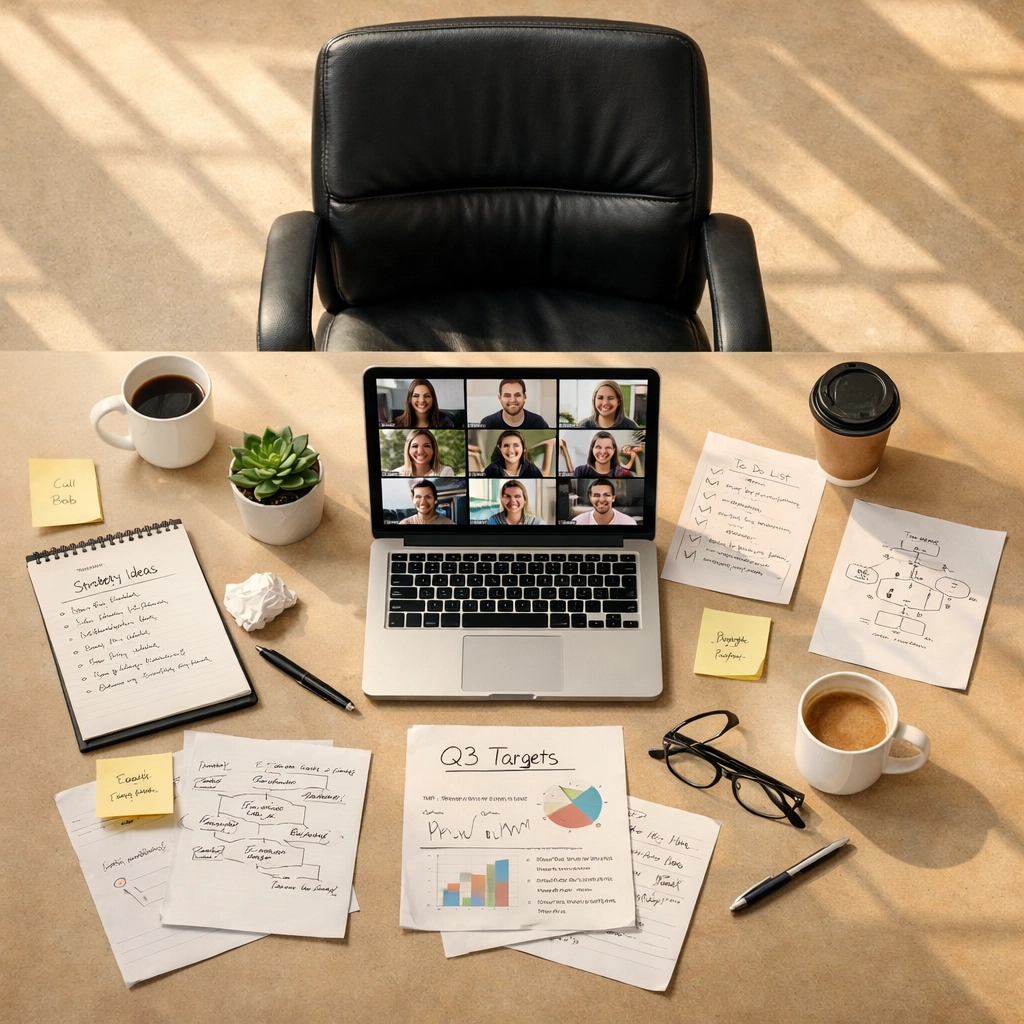
Meetings devour time twice: once during the actual call, again when you're transcribing notes and hunting for action items.
AI meeting assistants now join calls automatically, transcribe in 100+ languages, and extract decisions without human input. Circleback.ai generates structured summaries, flags follow-up tasks, and auto-assigns reminders based on who committed to what. The system connects with Zoom, Teams, and Google Meet: then pushes outcomes directly to Slack, HubSpot, or Salesforce.
Translation: You attend. AI documents. Nothing falls through the cracks.
Smart meeting tools also prevent scheduling disasters. Clockwise and Calendly protect deep work blocks, coordinate across time zones, and automatically find slots that work for 6+ people. No more 12-email threads to book 30 minutes.
You can't optimize what you don't measure. But manual time tracking fails because nobody remembers to start the timer.
Memtime runs automatic digital time tracking that captures every minute without manual input. It remembers which documents you edited, which websites you visited, which apps consumed your attention: then categorizes the data so you can see exactly where hours disappear.
Pair it with task automation in Any.do or Asana, and you get rule-based workflows that generate time entries based on window titles or URLs. Write in Google Docs? Automatically logged. Join a client Zoom? Tracked and categorized.
The result: perfect time data with zero logging effort.
Traditional to-do lists are dumb. They sit there. They don't prioritize, predict bottlenecks, or connect tasks across projects.
AI-powered task platforms now analyze project data to surface risks before deadlines explode. Asana's smart suggestions identify dependencies, flag capacity issues, and auto-generate summaries when executives need the high-level view without reading 40 comments.
Trello's Butler automation tool takes it further. Define rules once: cards automatically move between lists when tasks complete, reports generate based on card data, team members get assigned based on workload. The system handles the busywork while you focus on decisions that matter.
For personal task flow, Any.do converts natural language into structured tasks. "Schedule strategy call with Sarah next Tuesday at 2pm" becomes a calendar event, task reminder, and notification: without touching a form field.
Individual tools solve individual problems. Workflow automation connects them into a system that runs without you.
Modern automation platforms integrate 160+ tools. When a meeting ends, notes automatically populate in Notion. When a client emails a request, a task appears in your project tracker. When a deadline approaches, Slack pings the right team member.
The magic isn't any single automation. It's layering 15-20 rules that eliminate the repetitive copy-paste-update work between systems. Setup takes hours. The return is 10+ hours weekly for years.

Strategy discussions generate ideas fast. Capturing and organizing them? That's where things break down.
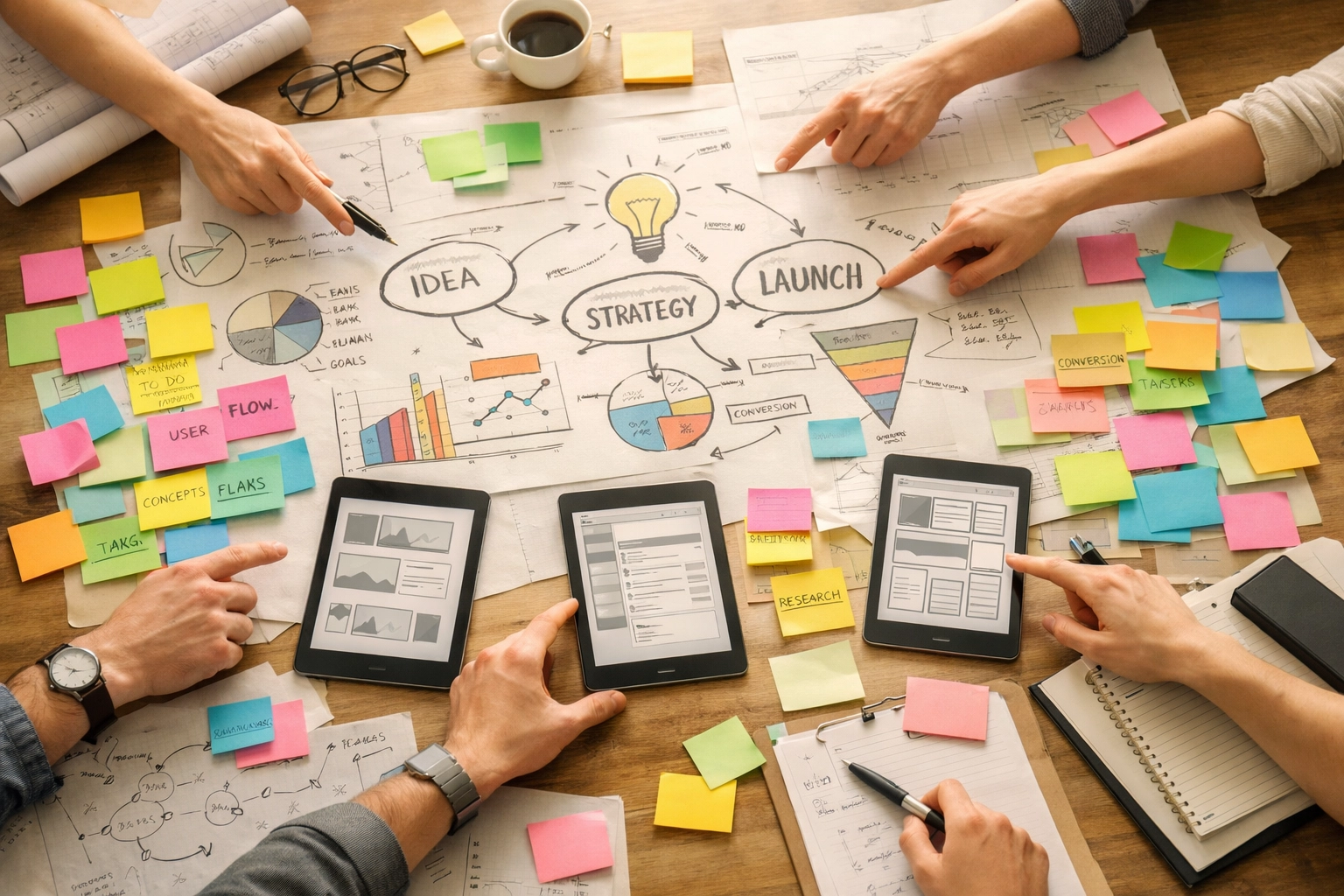
Miro functions as an infinite visual canvas where teams brainstorm, map processes, and plan campaigns without losing threads. The real power is Miro Assist: AI that turns messy whiteboard sessions into structured presentations and action lists automatically.
Sketch a customer journey. AI generates a deck. Map project dependencies. AI creates the task breakdown. The platform integrates with 160+ tools, making it a central hub where strategic thinking converts directly into executable plans.
No more "I'll clean up the notes later" that never happens.
Here's the issue with cobbling together 8 tools: they don't share context.
Your meeting notes live in one system. Your calendar in another. Your email in a third. When someone asks "What's the status on the Johnson deal?": you're checking four places and mentally reconstructing the timeline.
Executive productivity isn't about individual tool speed. It's about reducing context-switching tax and manual data transfer between systems.
The 2026 approach: choose tools that excel at specific functions, then connect them through a central intelligence layer that shares context across platforms.
AI executive assistants now serve that hub role. They plug into Gmail, Google Calendar, Slack, Notion, and task managers: then use that unified context to handle email triage, meeting scheduling, research requests, and drafting without you manually updating five systems.

Mobina, for instance, connects to existing productivity infrastructure and acts as the orchestration layer. It reads email alongside calendar availability, then drafts responses that reference upcoming meetings and shared documents. It prioritizes messages using a P1-P5 urgency system based on sender importance, content analysis, and your actual workflow patterns.
The result: tools stay specialized. The AI handles integration.
A properly configured 2026 tech stack removes specific time-wasters:
Email processing: AI reads, prioritizes by urgency, and drafts replies in your communication style. You review and send in 30 seconds instead of 5 minutes per message.
Calendar coordination: Automated scheduling finds availability across attendees and time zones, sends invites, and updates when conflicts arise. No human touches it.
Meeting documentation: Transcription, summarization, and action item extraction happen automatically. Notes appear in your project tracker without manual transfer.
Task status updates: Automation moves cards, updates fields, and notifies stakeholders when milestones complete. No more "quick update" messages.
Research compilation: AI assistants gather information, synthesize findings, and present formatted briefs. You get answers, not links to sort through.
The cumulative impact: 15-20 hours weekly that shift from administrative execution to strategic decisions.
Start with an integration audit. Map every tool you currently use, then identify where you're manually copying data between systems. Those transfer points are automation opportunities.
Next, choose a central hub: whether that's a workflow automation platform or an AI assistant that connects your existing tools. The hub handles context-sharing so specialized tools don't need direct integrations with each other.
Finally, layer automation rules gradually. Five smart automations running reliably beat twenty half-working shortcuts. Build one workflow, let it stabilize for two weeks, then add the next.
Organizations exploring AI delegation can start with a time audit: track hours spent on email, calendar management, and meeting prep for one week. Platforms like Mobina offer trial periods to test whether AI can handle high-volume routine work effectively: without replacing your entire tech stack.
The goal isn't adopting more tools. It's building systems where administrative busywork eliminates itself.

![[HERO] The 2026 Executive Tech Stack: Tools to Eliminate Administrative Busywork](https://www.getmobina.com/wp-content/uploads/2026/02/blog-150x150.png)