Physical Address
304 North Cardinal St.
Dorchester Center, MA 02124
Physical Address
304 North Cardinal St.
Dorchester Center, MA 02124


(Part 2 of “Beyond the Inbox: Solving the Messaging Chaos for Founders”)
The inbox is a four-headed hydra—Email, LinkedIn, WhatsApp, and Telegram—each with:
The real problem is the context-switching penalty.
Every time you jump from Gmail to LinkedIn to WhatsApp to Telegram, your brain reloads:
That innocent "quick check" across four apps? That’s not 30 seconds. It’s 15 minutes of fragmented attention you don’t get back.
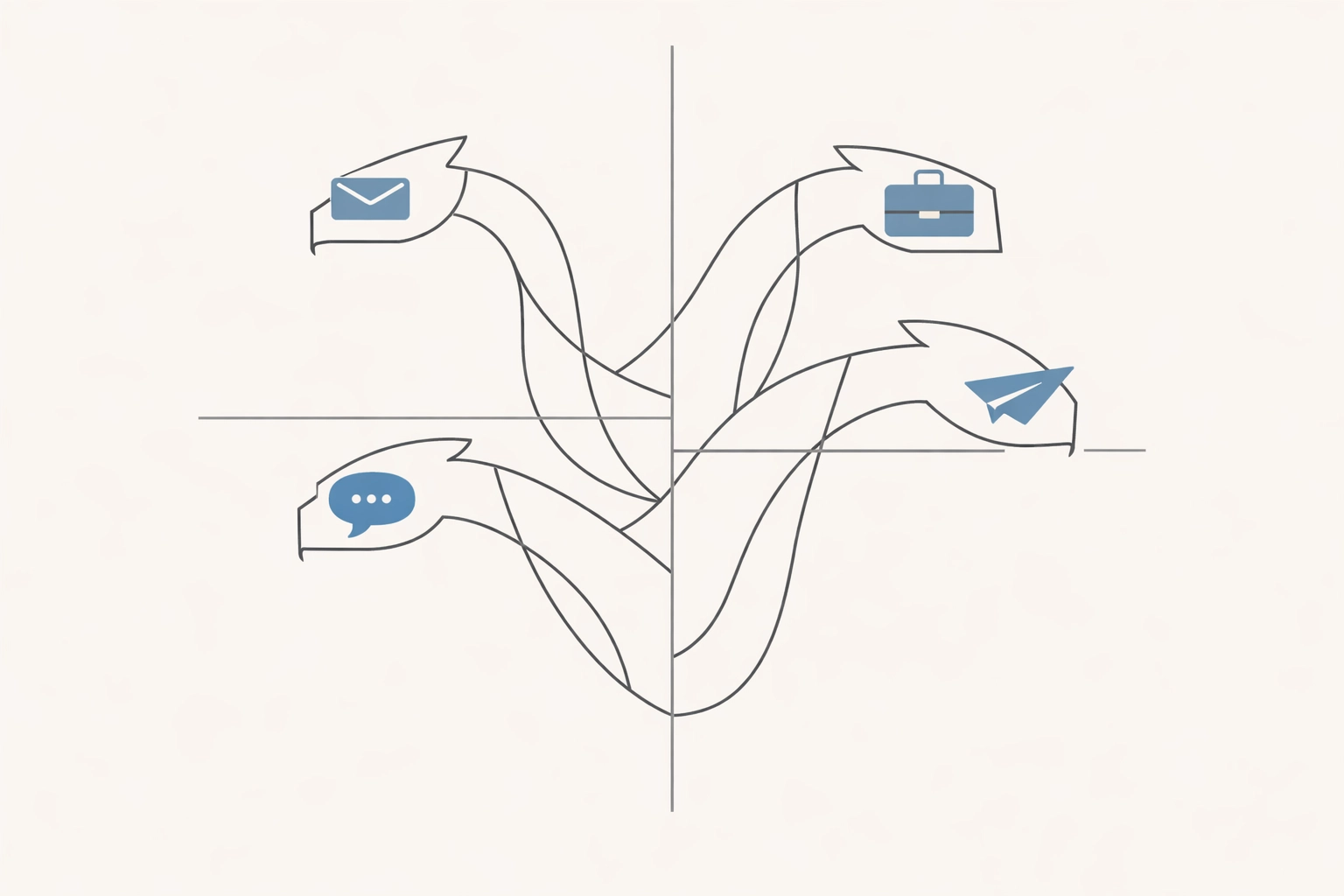
A 2025 study, “Are Six Minutes of Focus Enough?”, found that knowledge workers switch tasks every six minutes on average. This fragmented attention increases cognitive load, shallow thinking, and extra effort spent reorienting, quietly eroding productivity and making deep work harder to sustain.
A “quick check” looks like this:
That’s four complete context switches, each one dragging your focus back to zero. By the time you’ve made the rounds, you’ve already burned half an hour and retained almost nothing about what actually mattered.
Another drag is the interface switch. Every platform adds tiny delays—different UIs, different archives, different ways to search, different ways to “mark as done.” Each of those small inconsistencies piles up until they quietly consume your time.
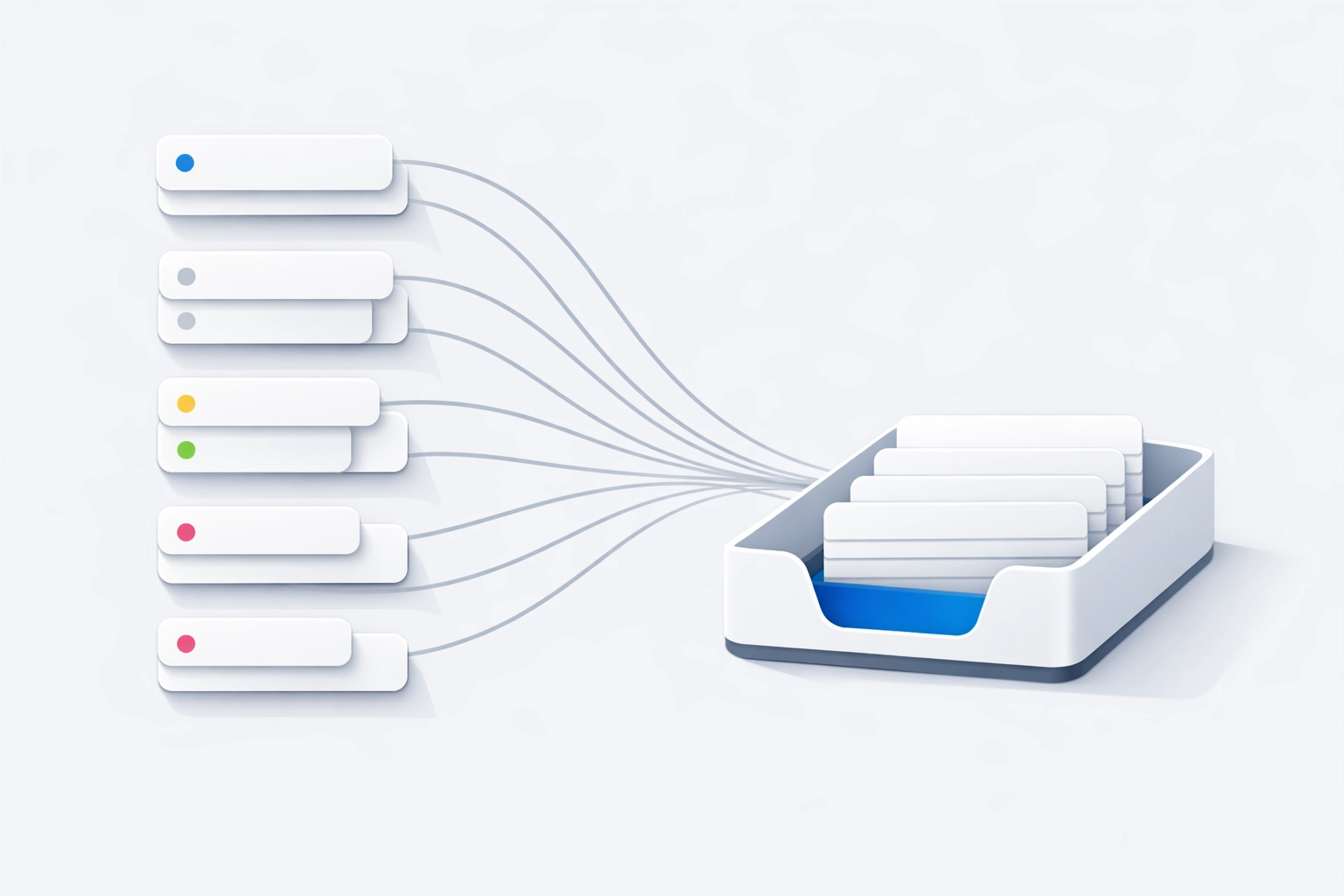
A unified workflow only works if it has a single language.
That language is labels.
Custom labels matter because they’re the bridge between “messages everywhere” and “decisions in one place.” Instead of mentally translating each app (“WhatsApp is urgent,” “LinkedIn is spam unless proven otherwise”), labels force the same question every time: What is this, and what should happen next?
A practical set that maps cleanly across Email, LinkedIn, WhatsApp, and Telegram:
If triaging gives the priority logic (P1–P5), this part adds implementation granularity: labels that make it obvious what bucket the message belongs to and where it should route.
MobinaBox is designed to make that work across apps: custom labels applied to chaotic messages from different platforms, inside one workflow, so a Linkedin “quick question” can get the same “Team” label as an email from the head of product.
And when a message looks important but actually needs legwork, that’s where Mobina’s hybrid model quietly helps: the AI flags and drafts, and a human expert steps in so it doesn’t boomerang back into your brain at 9:47 PM.

Most messaging platforms make you do everything with a mouse, a thumb, or a prayer. Gmail trained a whole generation to move fast with the keyboard—archive, label, search, reply, next. Messaging apps typically trained the opposite behavior: scroll, hunt, open, back, repeat.
MobinaBox leans into shortcuts you are already using.
The real benefit is consistent motion:
A simple workflow that doesn’t require heroics:
Speed makes consistency possible.
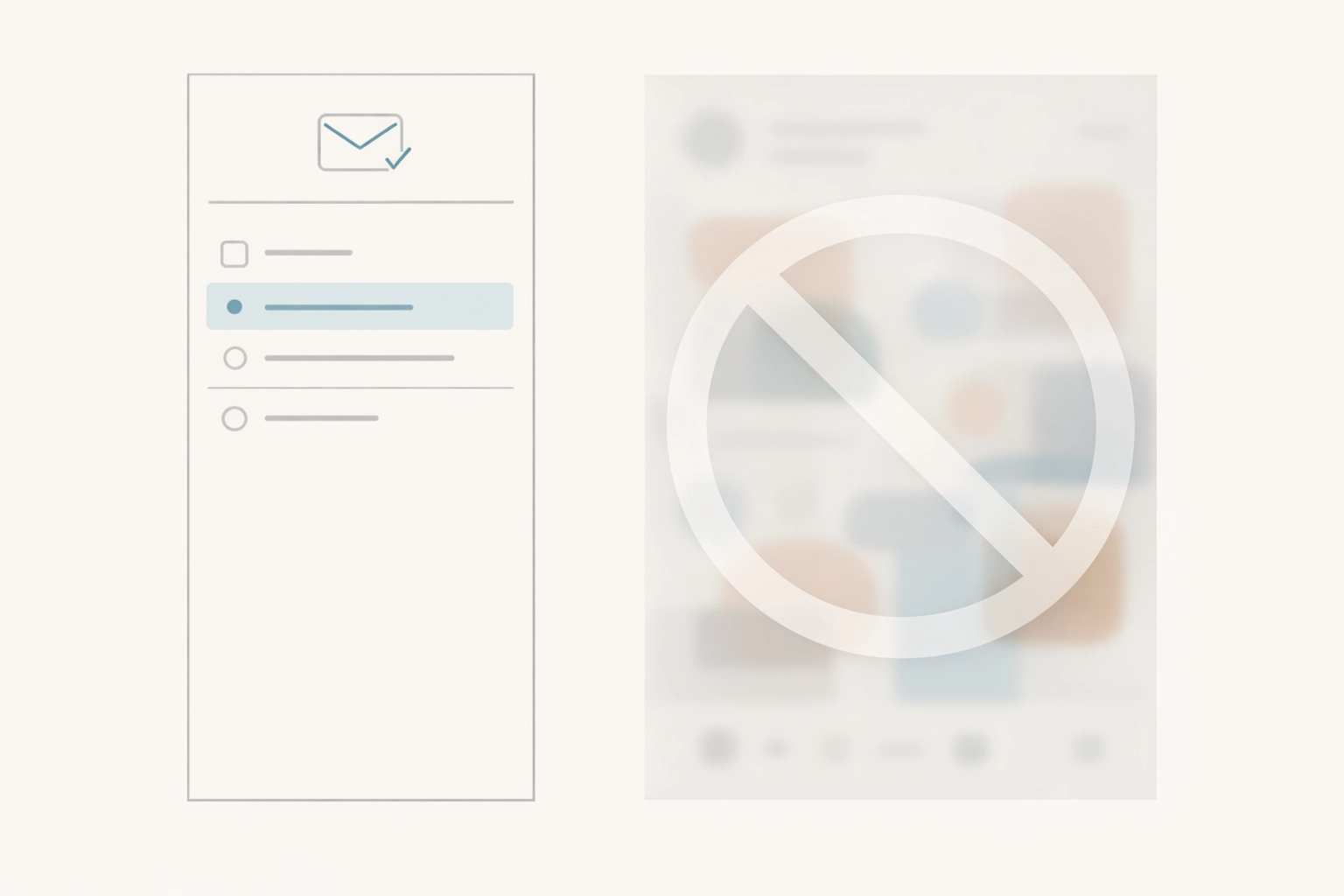
Filtering rules help, but the bigger move is structural: remove the feed from the workflow entirely.
MobinaBox’s “No Feed” approach is exactly that: focus on direct, high-value interactions without the social slot machine attached. That changes the economics of responding:
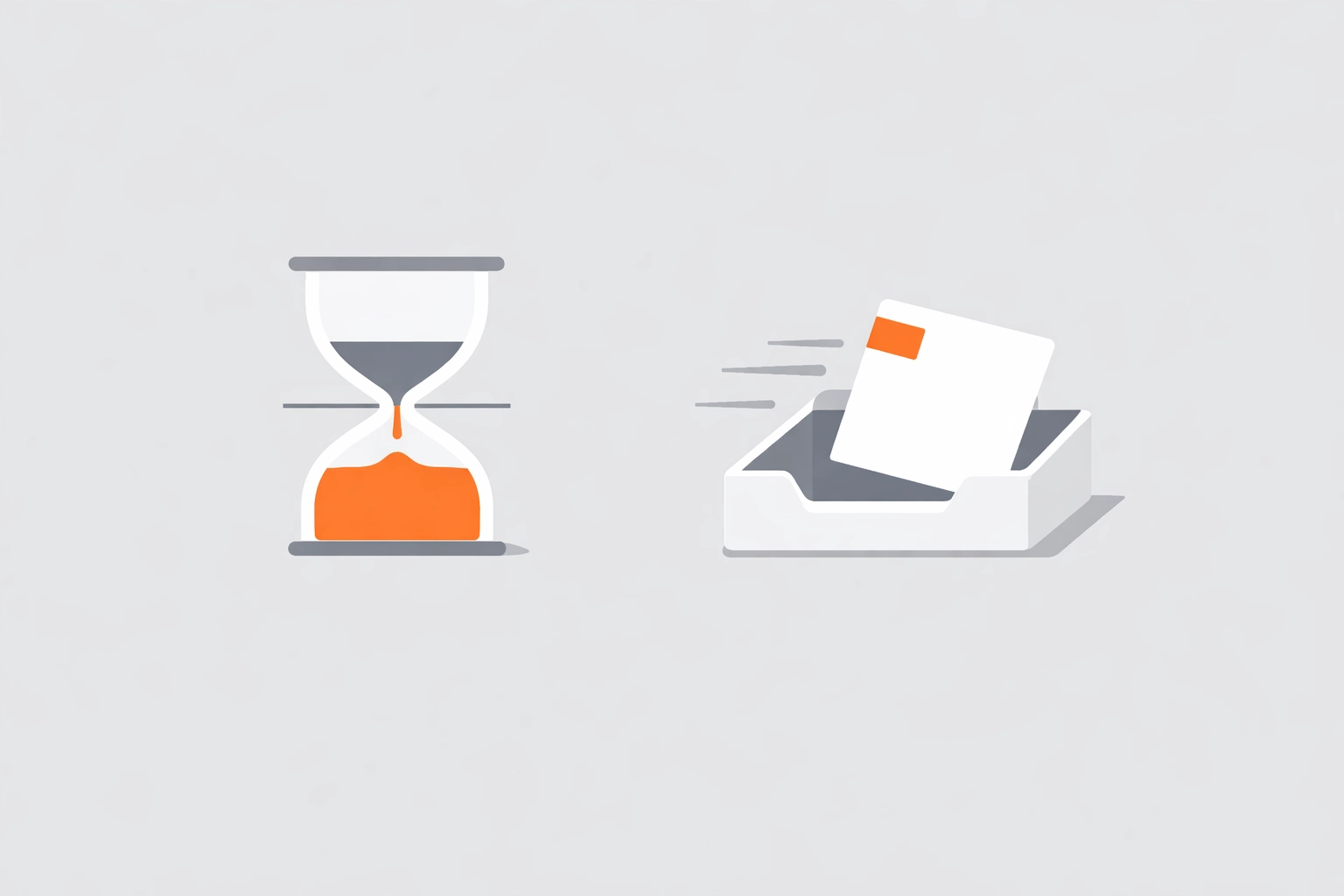
When you do your platform rounds, apply the two-minute rule mercilessly:
The fatal mistake is starting a 15-minute task during your inbox round, then getting pulled into another platform mid-thought. That's how founders end up with 30 half-finished responses and zero completed actions.
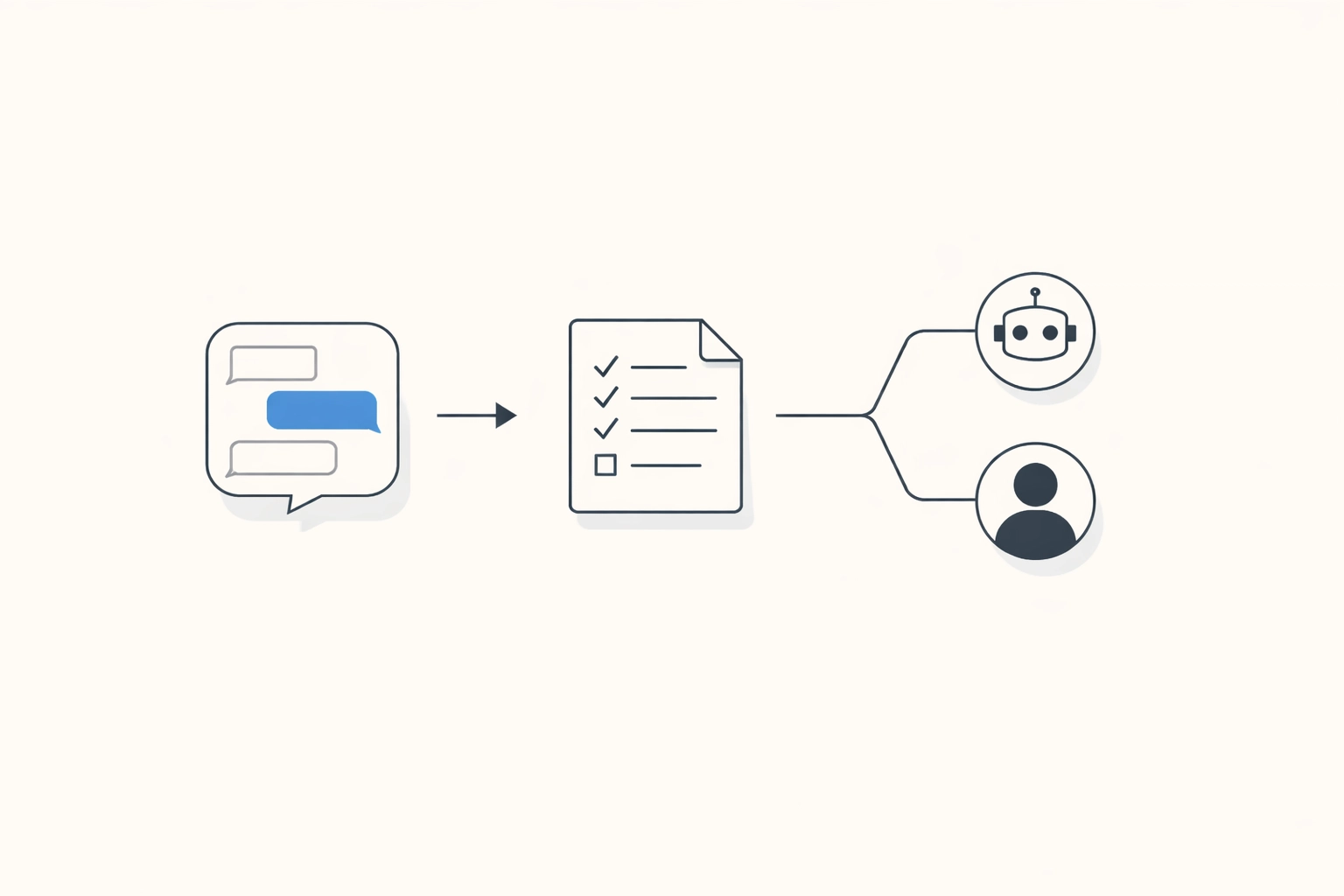
You can't delegate message management until you can articulate your decision-making process.
For one week, track every message across all platforms. Note:
Patterns emerge fast in daily messaging. LinkedIn messages may be recruiter outreach you can ignore, while WhatsApp carries operational or customer-support queries that need attention. And a lot of email is FYI content you read out of obligation rather than necessity.
Once you see the patterns, you can create delegation rules. Not vague "handle my inbox" instructions, but specific: "Anyone asking about pricing below $10K goes to the sales team. Partnership inquiries from Series A+ companies get forwarded to me. Everything else gets the standard response template."
The ultimate goal still isn’t to become faster at checking four different apps. It’s to stop context-switching and run one consistent workflow.
That’s what unified inbox tools get right when they’re done well: not “less messages,” but less platform-hopping. One place to decide what a message is, what happens next, and whether a human should touch it.
MobinaBox is built for this exact cross-app reality:
And when a message needs more than a reply—coordination, research, repeated follow-ups—that’s where Mobina’s human-in-the-loop model earns its keep. The AI handles the first pass (triage, drafts, summaries), and a human expert can take the baton for the parts that still require judgment, persistence, or external coordination.
Your Week-One Action Plan
Start simple. Pick one strategy for the next five business days:
You don't fix four-platform chaos overnight. But you can absolutely stop letting it control your calendar, your focus, and your ability to do the work that actually builds your company.
The inbox will always be messy. The question is whether you're managing it, or it's managing you.

![[HERO] The 2026 Executive Tech Stack: Tools to Eliminate Administrative Busywork](https://www.getmobina.com/wp-content/uploads/2026/02/blog-150x150.png)